
If there is someone on your team who no longer needs access to editing your report, you can inactivate them.
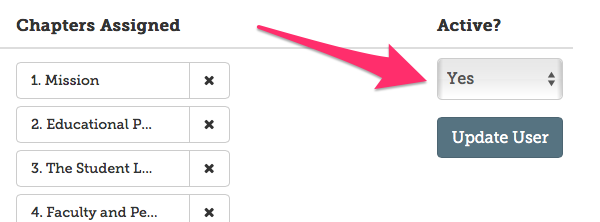
Making a user inactive does not remove them from the cover page of your Self-Study. It is a feature that enables you to inactivate someone after their contributions are complete, without deleting them or their contributions.
Comments
0 comments
Please sign in to leave a comment.